DBD Discord quest guide: grab free loot fast
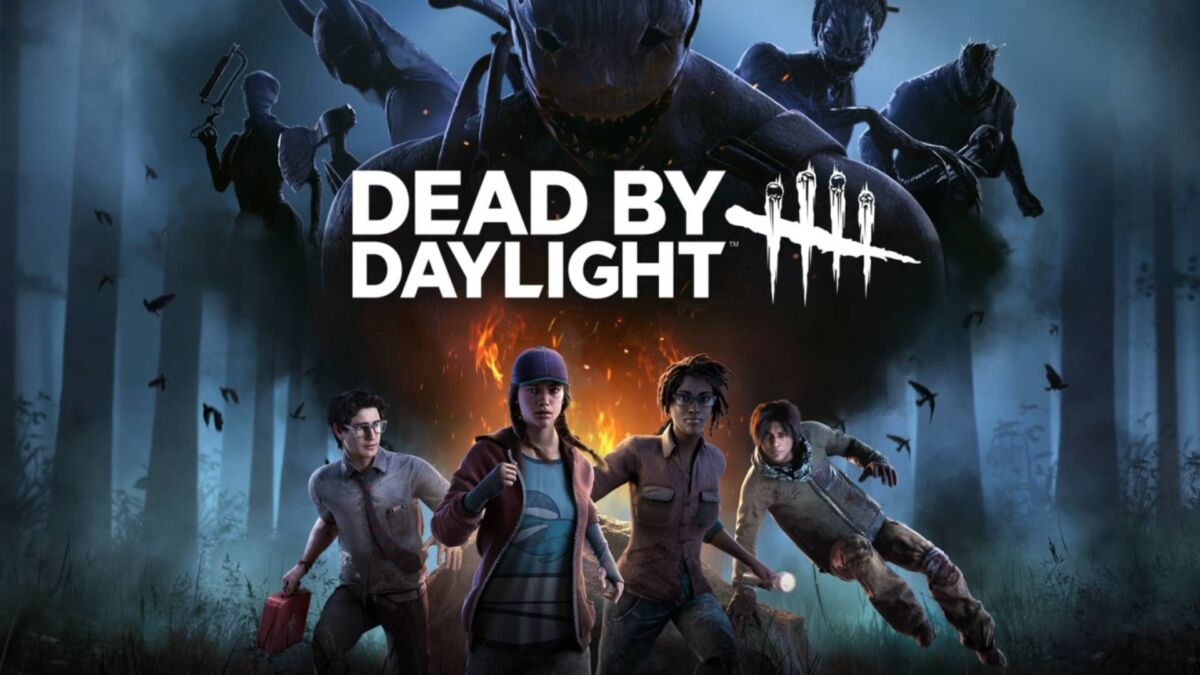
DBD Discord quest guide is the fastest way to snag a spooky avatar decoration before August 6—no mori required.
DBD Discord quest guide—unlock your Entity avatar in three painless steps
DBD Discord quest guide is live, and it only asks for fifteen minutes of your life and an open Discord window. Finish before August 6 and you’ll strut around servers with a creepy-cute Entity avatar decoration pinned to your profile.
🎯 Quick-fire checklist
| Task | Time Needed |
|---|---|
| Join official DBD server | 30 seconds |
| Accept quest + pick platform | 1 minute |
| Survive or slaughter for 15 min | 15 minutes |
| Claim reward | 10 seconds |
🧭 Step-by-step walkthrough
1. Hop into Discord
- Open Discord desktop or mobile.
- Use the Discover tab (bottom-left compass icon).
- Search “Dead by Daylight” and join the verified server.
2. Activate the quest
- Scroll to Quests under Discover.
- Tap “DBD: The Walking Dead Chapter Event”.
- Select your platform (Steam, Xbox, PlayStation, Switch).
- Hit Accept Quest—a green check confirms you’re in.
3. Play (literally)
- Launch Dead by Daylight on the chosen platform.
- Keep Discord open in the background—minimized is fine.
- Stay in a match for 15 minutes total (lobby time doesn’t count).
- Die, escape, or 4K—progress still ticks.
4. Claim your spooky bling
- Head back to the Quests tab.
- Tap Claim Reward—the Entity avatar decoration is now in your Discord inventory.
- Equip it via User Settings > Profiles > Avatar Decorations.
🚨 Troubleshooting corner
| Problem | Quick Fix |
|---|---|
| Quest won’t start | Relaunch Discord; enable Activity Privacy > Display current activity as status |
| Timer stuck at 0:00 | Switch lobbies or restart the game—progress syncs on next load |
| Reward missing | Wait 5 minutes; servers batch completions every few minutes |
🗓️ Event calendar
| Milestone | Date |
|---|---|
| Quest goes live | July 31, 2025 |
| Deadline | August 6, 2025 (2 p.m. UTC) |
| Next quest teased | August 13 (rumored) |
🎁 Bonus loot
- Login bonus: 25k Bloodpoints for logging in during the event.
- Twitch Drops: Watch any DBD partner stream (Aug 1–3) for extra Rift Fragments.
🏁 DBD Discord quest guide: TL;DR
Open Discord → Accept quest → Play 15 min → Claim Entity avatar. That’s it.
Ready to flex your new look?
Drop a screenshot of your decorated profile below and tag a friend who still needs the cosmetic—let’s fill timelines with tiny Entities!